AI assists and people decide.
How I guide a UX team in bringing AI into the design process, without losing the judgment that makes the work trustworthy.
The Shift
AI tools spread across our product and engineering org faster than our process could adapt. Engineers were building working prototypes with AI before design or research was in the room, and designers and researchers were experimenting on their own, each in their own way.
Our full UX process was thorough, but it was built for a slower pace. The team risked being routed around, or keeping up by quietly skipping the steps that make design work trustworthy.
My Point of View
You'll hear that one designer with AI can now run almost the entire process solo. I see it differently. AI can assist with almost every phase, but it shouldn't make the decisions in any of them.
The process doesn't get faster because we skip the thinking. It gets faster because AI handles the slow parts, like synthesis, documentation and first drafts, which gives people more time for framing, facilitating, interpreting and making the call.
Three Principles I Lead By
Start with the framework the team already trusts
We didn't replace our UX process with an "AI process." We kept every phase and worked AI into each one, then made clear which decisions stay with people.
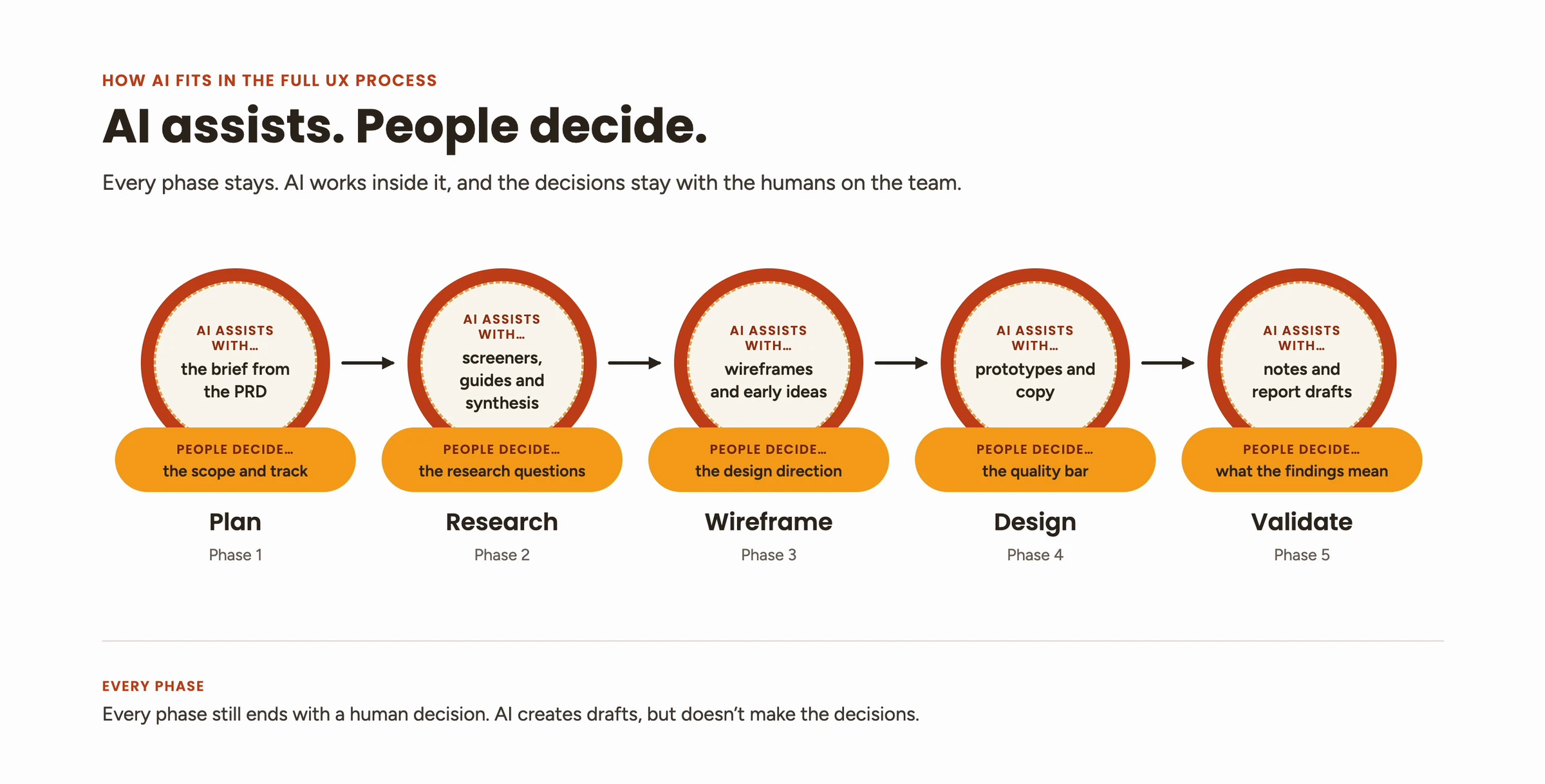
| Phase | AI assists with… | People decide… |
|---|---|---|
| 1 · Plan | the brief from the PRD | the scope and track |
| 2 · Research | screeners, guides and synthesis | the research questions |
| 3 · Wireframe | wireframes and early ideas | the design direction |
| 4 · Design | prototypes and copy | the quality bar |
| 5 · Validate | notes and report drafts | what the findings mean |
Fit the process to the project
The full process is right for new initiatives and high-risk work, but not for every ticket. Before work starts, we size each project by time, scope, team capacity and risk, and some phases get lighter. When they do, we lean on AI to assist where needed.
Put it into practice
What the team was already doing
- Research skills for each stage: AI support for protocols, moderation guides, notes, analysis and reporting.
- Connected tools: AI linked to our research platform and documentation tools to set up studies and draft summaries.
- Faster prototypes: exploring concepts in Claude and Figma Make.
- Faster ramp-up: AI condensing background reading before a project starts.
What I was putting in place
- Rules for engineering-built prototypes: they go behind a feature flag, design and research join at the prototype stage, and nothing reaches Beta without UX review.
- A lighter track for small, well-understood projects, tied to how we already sized work.
- Summary-first research readouts, so findings reach decisions quickly, with the full report to follow.
- An AI pre-check before design reviews, surfacing likely usability concerns and edge cases as a checklist, not a replacement for the review.
- A shared prompt and skill library, so good workflows spread across the team.
The Guardrails
I facilitated a workshop where the team defined these together. Rules a team writes are rules a team follows.
Accountability: we label AI-assisted work, and a second person reviews anything high-stakes.
How I'd Bring This to a New Team
- Listen first. Learn how people already use AI and where the friction is.
- Set guardrails together in a workshop, not a document.
- Pilot one workflow, compare time saved against quality, and share the results.
- Build shared infrastructure: prompts, skills and templates the whole team can use.
- Revisit it every quarter. The tools change fast, and the guidelines should keep up.
What I Learned
The hardest part wasn't the tools. It was agreeing, as a team, on where the line sits and why. Once we had that, people experimented more, because they knew what was acceptable.